 walo
waloMonthly budget
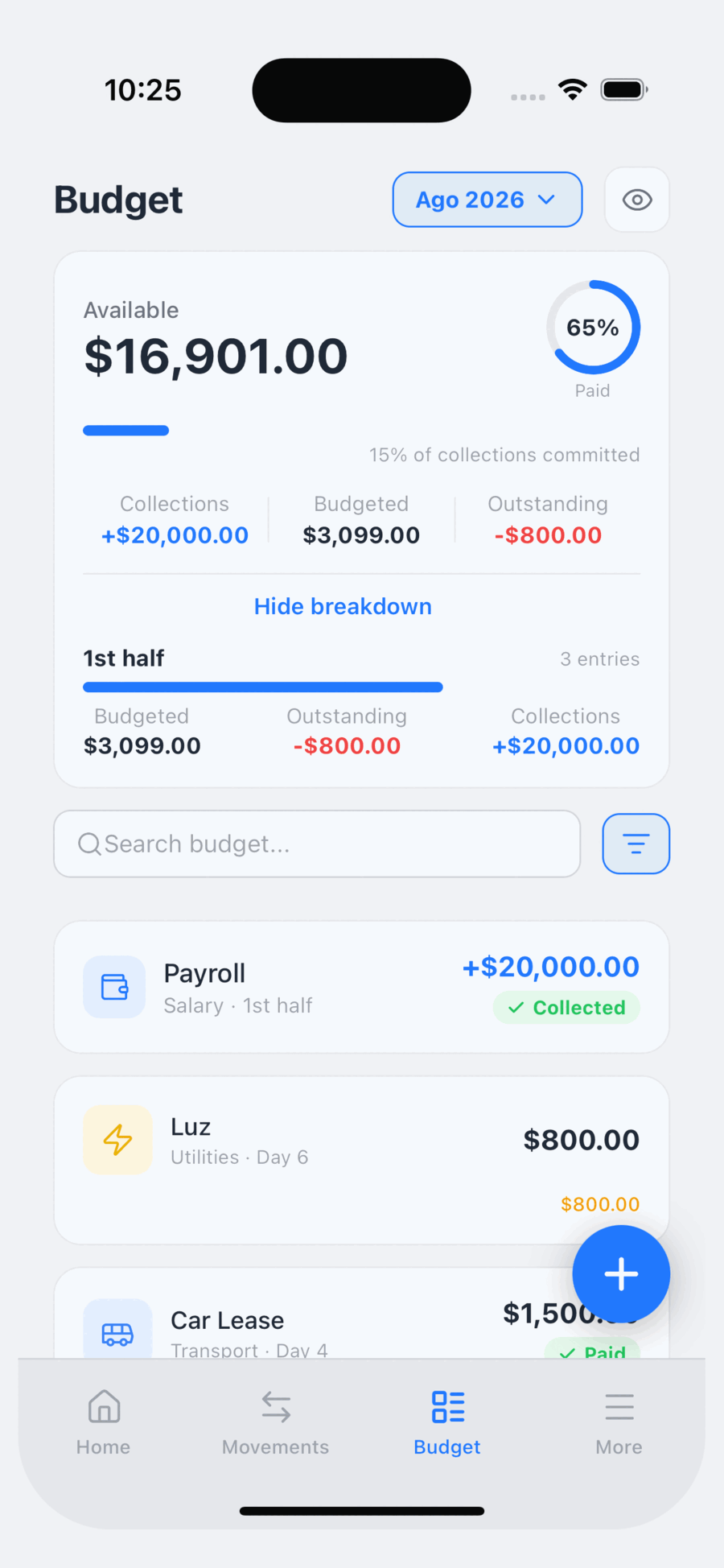
Build a template of fixed expenses with their due dates and reuse it every month. Mark each one paid, even if you pay it in parts.
Build this month's budget, give every fixed expense its due date, and get a reminder before it lands. Everything lives on your phone — no servers, no ads, no connection needed.
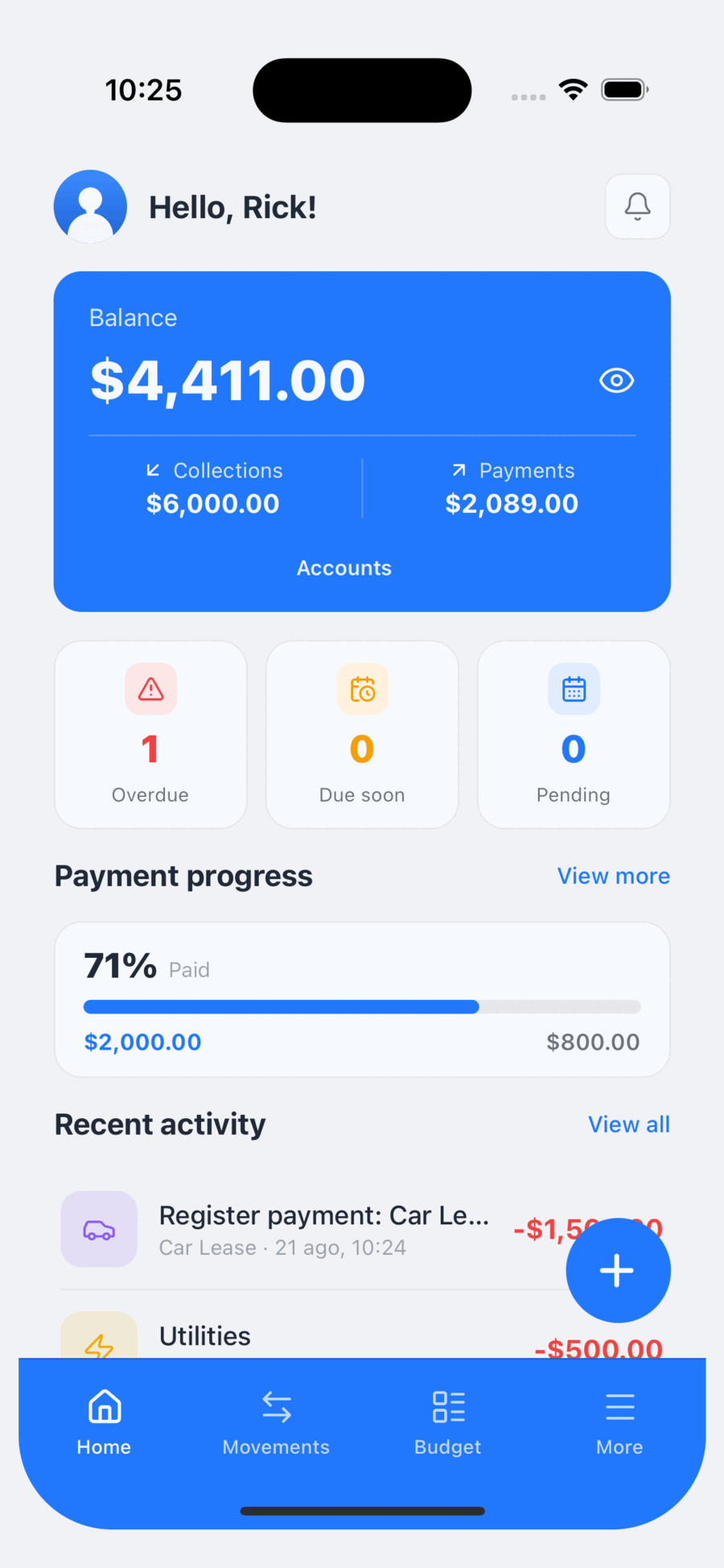
Set your budget once, tick off each fixed expense as you pay it, and let Walo remind you what's coming. No spreadsheets, no friction.
Build a template of fixed expenses with their due dates and reuse it every month. Mark each one paid, even if you pay it in parts.
Walo warns you before each fixed expense falls due, so nothing slips through because you forgot. There's a daily logging nudge too. With Pro you pick the time each one arrives.
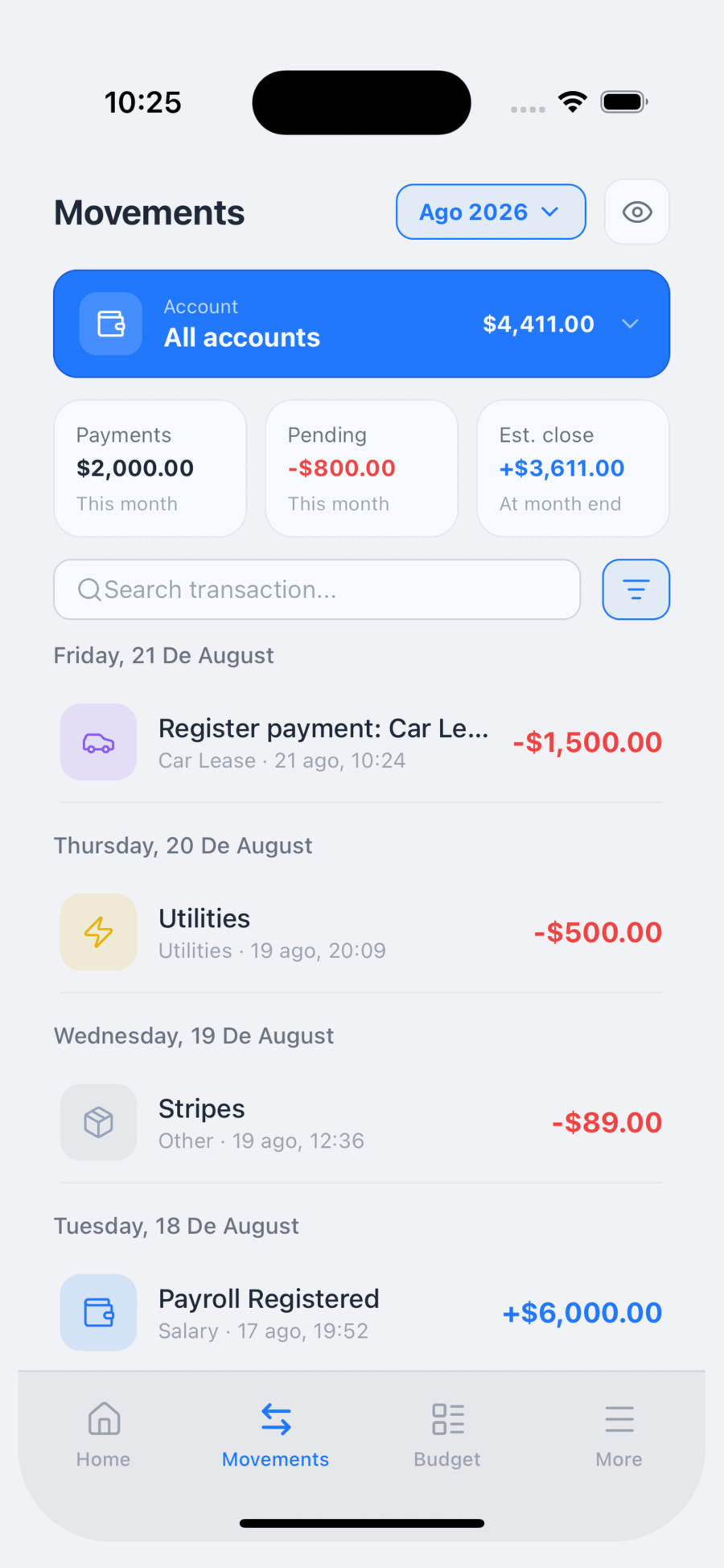
Amount, category, account, date and tags. Search and filters to find any transaction later.
Cash, debit, credit, savings, investment and per-person accounts. Your total balance, always visible.
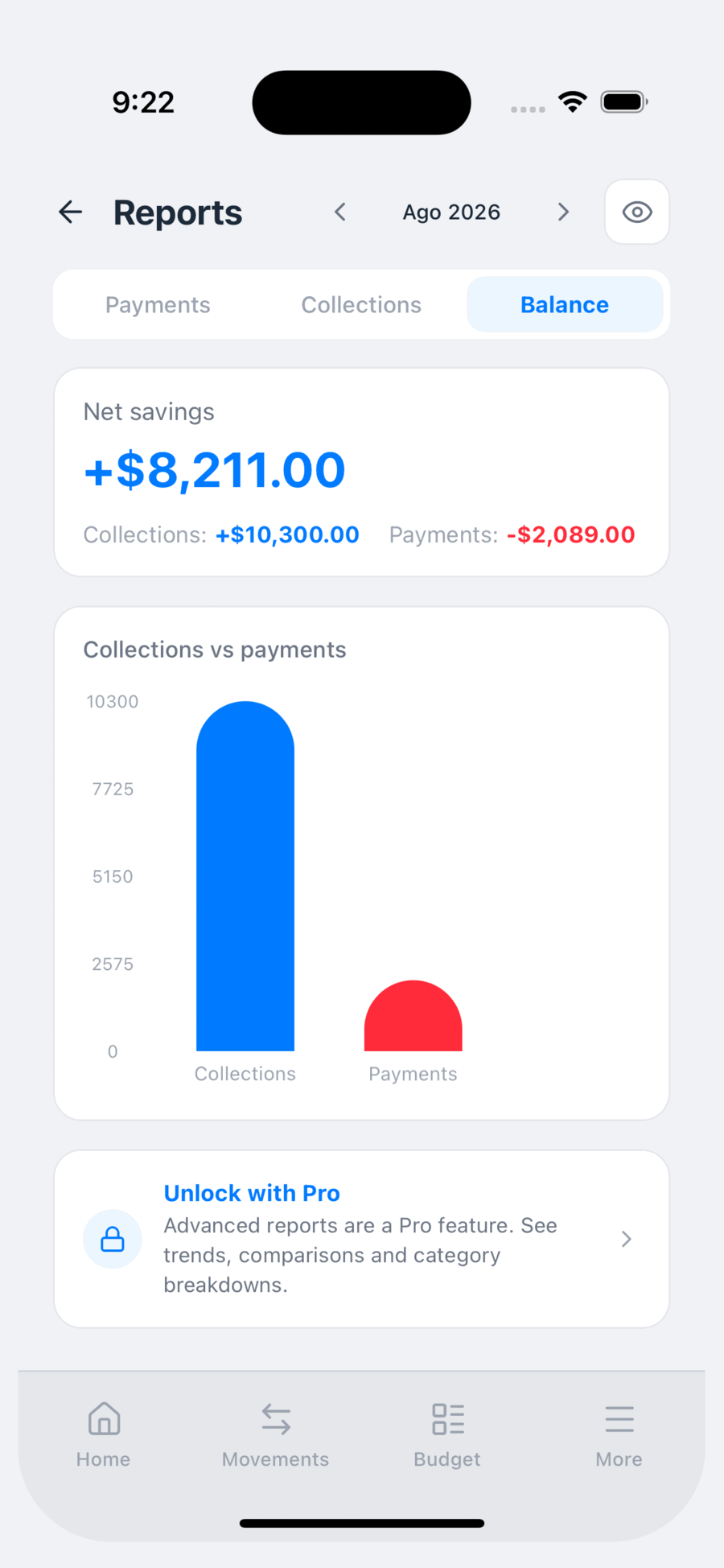
Category donut, multi-month trend and a breakdown of income, expenses and balance.
ProOver 20 categories ready to go, plus your own. Add tags to group things however you like.
Back up to Google Drive or iCloud whenever you choose, and export everything to CSV for Excel.
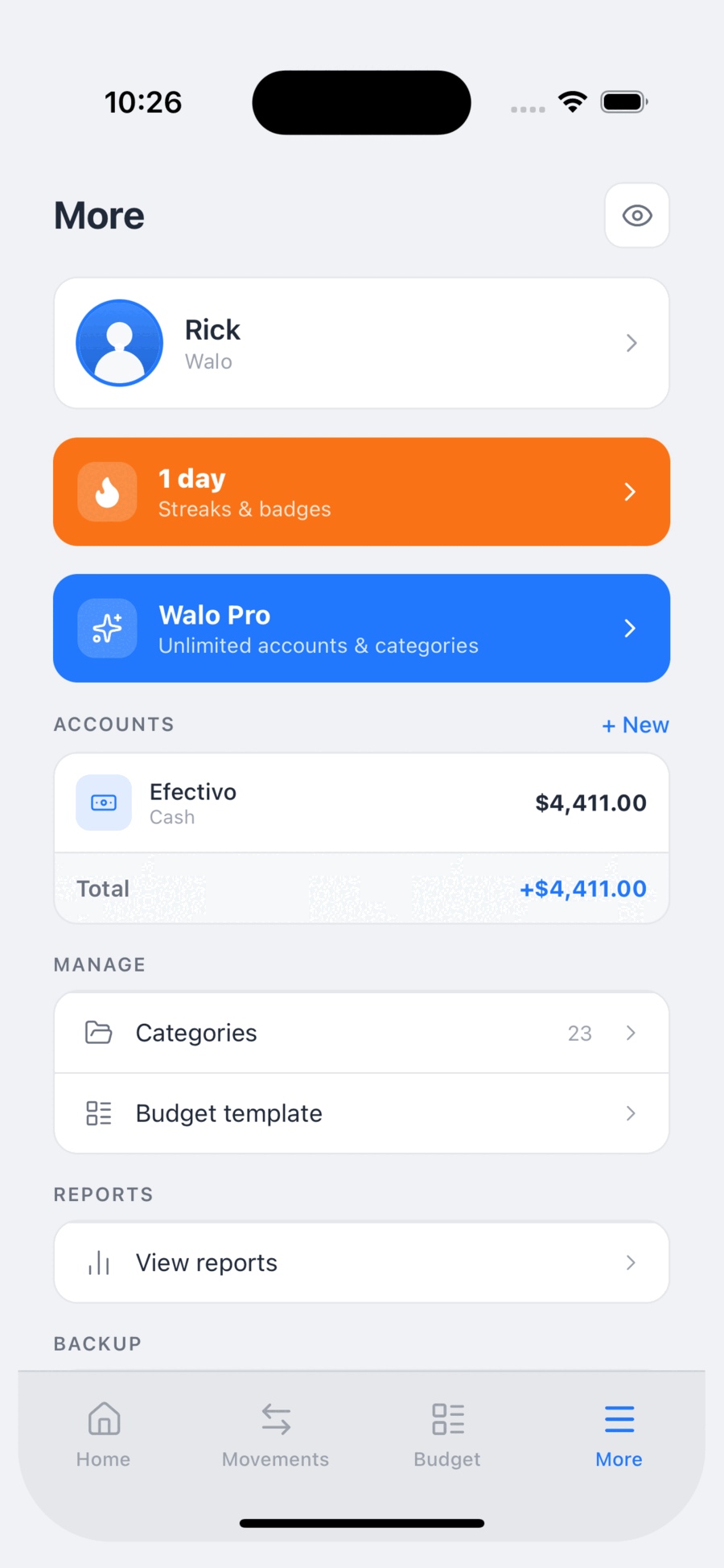
ProLog daily, build a streak and unlock badges. The habit is what actually moves the needle.
All of your information is stored in a local database. No internet, no waiting, no server to depend on.
A clean interface where this month's budget and what's still unpaid are visible at a glance.
The free plan never expires. Pro removes the limits and adds backups, advanced reports, export and reminders on your schedule.
Perfect to get started
No card. No expiry.
Download WaloFor serious money managers
Works out to $1.67 a month — you save $3.89 a year
Billed monthly, no commitment
You pick the plan when you subscribe inside the app. It renews automatically and you can cancel anytime from your App Store settings.
Prices shown are in US dollars (USD) and are for reference only. The final price is set by the App Store in your country and local currency, and that is the price you will see when confirming the purchase. The free trial applies once per Apple ID. Unless cancelled before it ends, the subscription renews automatically.
No. Walo does not connect to any financial institution and never asks for your bank credentials. You record transactions manually — which is exactly what keeps the app working offline and your data off any server.
For the same reason, Walo does not pay on your behalf: it reminds you when something is due, and you mark the expense as paid once you have paid it.
Every fixed expense in your budget carries a due day. Walo schedules an alert on your phone to remind you before that date arrives. You can also turn on a daily reminder so you don't forget to log your spending.
These are local notifications: your own device schedules them, so they work even with no internet. Turn them on or off from the menu, under Notifications.
Not for everyday use. Recording transactions, checking your budget and viewing reports all work fully offline. You only need a connection to sign in, to back up to Google Drive or iCloud, and to buy or restore a subscription.
On your device, in a local database. There is no Walo server holding your accounts, transactions or budgets. They only leave your phone if you create a Google Drive or iCloud backup, or export a CSV file.
Full details are in the Privacy Policy.
Yes. The monthly plan includes a free week and the annual plan a free month. Cancel any time before the trial ends and you will not be charged. The trial is available once per Apple ID or Google account.
From the App Store, not from inside Walo: Settings → your name → Subscriptions → Walo → Cancel subscription. You keep Pro until the period you already paid for ends.
Nothing is deleted. Your transactions, accounts and budgets stay on your device. The free-plan limits simply apply again for creating new items and for reading older history. Resubscribe and everything is available again.
From the side menu, in the backup section, you can save a copy to Google Drive or iCloud and restore it on another device. You can also export everything to CSV. Because the data lives only on your phone, back up regularly: if you lose the device without a backup, the information cannot be recovered.
Uninstalling the app removes the local database from the device. To also delete your sign-in account and any associated backup, email info@waloapp.io from the address you registered with. See Data deletion.
We reply in Spanish and English, usually within two business days.
Questions about the app, technical issues, subscriptions or backups.
support@waloapp.ioExercise your access, rectification, cancellation or objection rights.
info@waloapp.ioRequest deletion of your sign-in account and any associated backups.
How to delete your dataThese are the summaries. Each links to the full document, which is the one that legally applies.
In short, how we handle your information:
In short, the rules of the service:
Download Walo for free, set up your budget in under five minutes, and let the app remind you of every due date.
Download Walo free